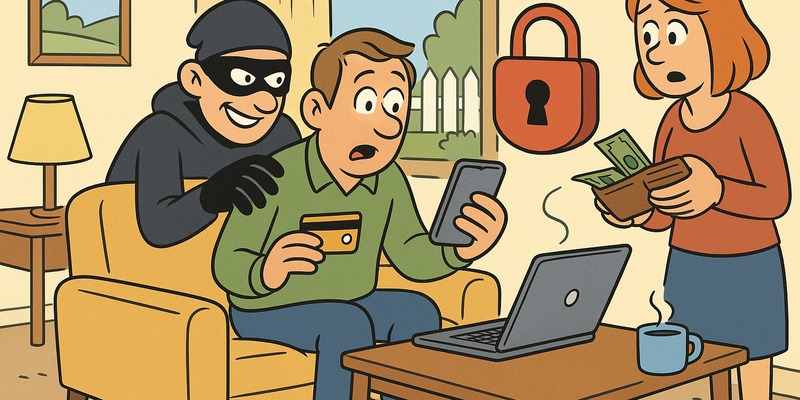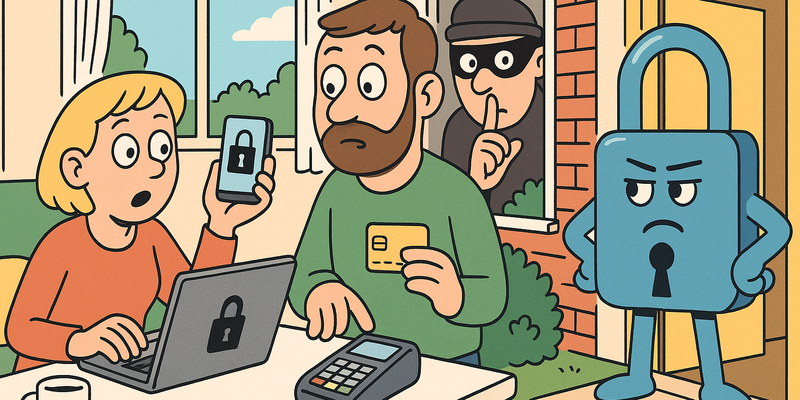
Digital Safety for Everyone
10 chapters to protect yourself online — no IT knowledge required, but immediately applicable.
Protection
- Recognizing Phishing and Scams — Seeing through fake messages before you click
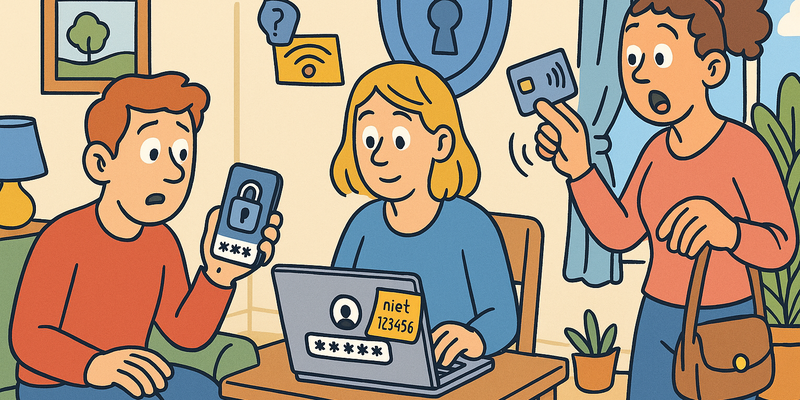
- Passwords and Login — Strong passwords, password managers, and two-factor authentication
- Securing Your Phone — Updates, app permissions, and theft protection
- Protecting Your Computer — Antivirus software, firewalls, and safe settings
- Safe Browsing and Wi-Fi — Public networks, VPN, and browser security
Online Life
- Online Shopping and Payments — Paying safely and recognizing fake shops
- Privacy and Social Media — What you share and who can see it
- Children and the Internet — Online safety for families
- Identity Theft and Data Breaches — What to do when your data is exposed
- When Things Go Wrong: First Aid for Hacks — Step-by-step help when you've been hacked