Web Security
17 chapters on securing web applications — from preventing injection attacks to a complete secure development lifecycle.

Password rotation is a fifteen-year-old superstition. Here's why it survives, why it never worked, and what to do this afternoon.
This morning, somewhere in the world, an employee rotated his password. From Summer2025! to Autumn2025!. There was a small dopamine pulse, a feeling of duty discharged, and he went on with his day. His IT department logged it. A compliance officer can now tick a box stating that the organisation rotates passwords. Everyone is satisfied.
Nobody is safer.
The password hasn't changed; it has shifted, one season ahead, and if I tell you that attackers know this and literally train for it — not as a joke, as operational tactics — you start to get a careful sense of what we're doing here. We've been performing a ritual for twenty years that was disproven fifteen years ago, and we have never had the courage to simply stop.
The rule that you must rotate passwords comes from a document an American civil servant wrote in 2003. His name was Bill Burr. He worked at NIST. He proposed that passwords should be complex (uppercase, digit, special character) and should change periodically. It was, he later admitted with admirable honesty, a guess. He had no data. He had a hunch. The hunch became a guideline. The guideline became a law. The law was passed from auditor to auditor to consultant until everyone believed in it as if it had come down from a mountain on stone tablets.
In 2017 Bill Burr's own organisation, NIST, published the official correction: "The rotation rule was a mistake. Stop doing it." At the same time they noted that complexity rules (uppercase digit special character) led people to predictable behaviour — exactly Summer2025! and Welcome01! — making the attacker's job easier, not harder.
That was eight years ago. Eight.
If we compared the gap between "rule disproven" and "rule abolished" with other fields — say, medicine — a British doctor in 1872 would still be prescribing bloodletting because his aunt swore by it in 1850. We are doing exactly that in IT security and nobody finds it strange.
A password is a shared secret between you and a server. It protects something — your email, your bank, your work files — by demanding that the other party knows what only you know. In theory. In practice that secret is:
The irony is almost comic: we entrust our digital lives to a mechanism that is fundamentally broken, and the industry's solution is to load that mechanism with more demands. More rules. More characters. More frequent changes. Add a special character! Add two! Add one from a different alphabet! Here, use this symbol you've never seen before!
It's like noticing that your car has become unsafe and concluding that from now on you'll always steer with your left hand.
The modern attacker has no interest in your password. He has interest in every password. He downloads a list of 14 billion leaked combinations — it exists, it's free, you can look it up yourself via Have I Been Pwned — and he tries them all against every server he can find. This is called credential stuffing and it works astonishingly well, because people re-use passwords. Not 5%. Not 30%. By recent estimates, 65% of people use the same password across multiple important accounts.
At the same time there is phishing: a fake website that looks like the real one, a fake Microsoft login page, a nice font, and you type in your password. Then the page redirects you to the real Microsoft. Nobody notices anything. An hour later someone is walking around in your inbox. The average time between phish-click and first data exfiltration is, according to recent IBM figures, 17 minutes. By then you're still getting your coffee.
The attacker hasn't had to guess your Summer2025!. You gave it to him. Beautifully wrapped, even.
Two-factor authentication — a code from an app, an SMS, a key — was the reasonable interim step. And for ten years it did its job. It is harder to crack, it stops most credential stuffing, it makes phishing less rewarding.
But the real attackers have moved on. There is now something called adversary-in-the-middle phishing where the fake Microsoft page forwards your login and your 2FA code in real time to the real Microsoft. The attacker steps into the established session. Your 2FA didn't protect you; it delayed the attacker by three seconds.
SMS is even worse. SIM swapping — an attacker calls your provider, impersonates you, requests a new SIM, then receives your text messages — requires no technical skill, just an evening of patience and some social engineering. If your bank still does 2FA via SMS, move your money to a bank that does it better, because your bank is not going to do it better.
And here's the bright spot. The real one. Not "something the industry will keep murmuring about for another five years", but something that works now, on your phone, in your browser, for free, that solves the entire mess above in one move.
It's called a passkey. It is an asymmetric key pair — a private key that never leaves your device, and a public key that the website stores. When you log in, the website asks your device to sign something, your device does (after biometrics or a PIN), and you're in. No password. No code. No two-factor. No list. No rotation ritual. No SIM swap. No phishability, because even if an attacker lures you to a fake site, your device will refuse to sign — the domain doesn't match, and your device is not negotiable about that.
Apple, Google and Microsoft all support it. Sites including GitHub, Microsoft, Google, Adobe, Amazon, eBay, PayPal, Best Buy, Shopify and hundreds of others have it running. You can turn it on today on your iCloud account, your Google account, your work Microsoft. You don't need extra hardware. You don't need training. You press two buttons and you are safer than 99% of people on the internet.
The hardest change is not technical. It is that you'll need to explain to your security team, your IT vendor, your auditor, your compliance officer, and your director that you are stopping something that has been sacred for twenty years. You will get pushback. You will hear "but we have always done it this way", which is the sentence people use immediately before continuing to do something foolish.
Arm yourself with this fact: NIST has explicitly stated since 2017 that password rotation without cause is incorrect. Arm yourself with the knowledge that the people who protest most loudly against abolition are usually the people who have never bothered to read the guidelines themselves.
Passwords are dead. They were always a temporary solution to a problem we can finally solve properly. The only reason they're still alive is that we stubbornly keep resuscitating them. Stop. Enough is enough. Go and turn on passkeys. Go this afternoon.
And the next time someone asks you to rotate your password, you may very politely say no. If they want to know why, you may forward this article.
17 chapters on securing web applications — from preventing injection attacks to a complete secure development lifecycle.
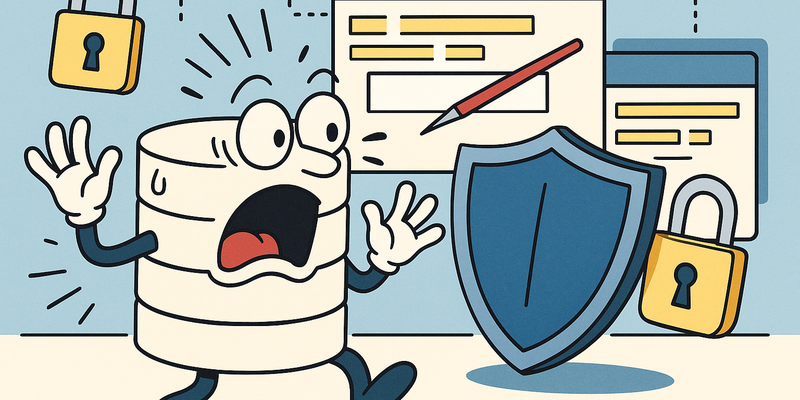
Web risk is rarely mysterious. It usually lies in predictable mistakes that persist under time pressure. For **SQL Injection Prevention** it is about strict...
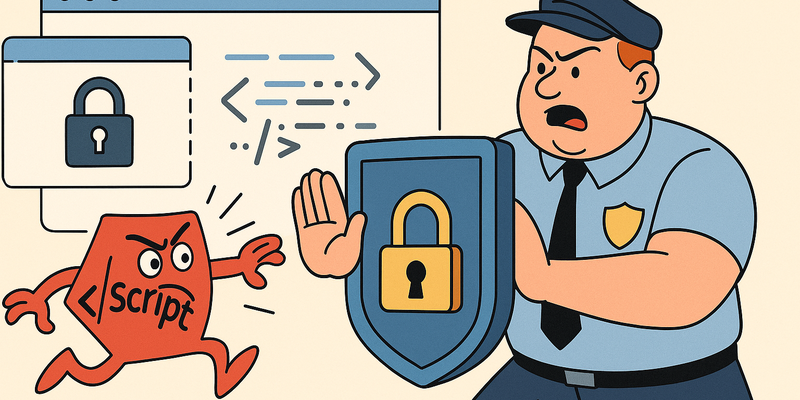
Web risk is rarely mysterious. It usually lies in predictable mistakes that persist under time pressure. For **XSS Prevention** the gains come from...
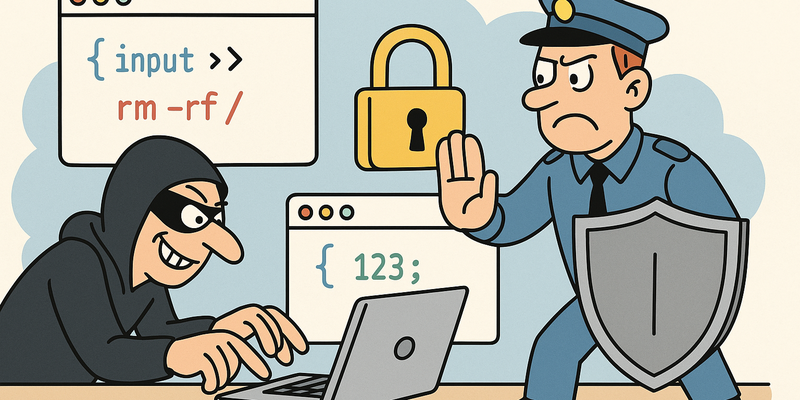
Web risk is rarely mysterious. It usually lies in predictable mistakes that persist under time pressure. In **Command Injection Prevention** it's about...
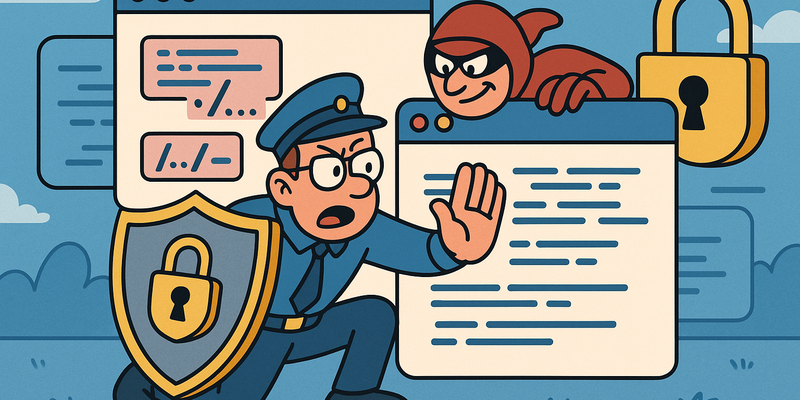
Web risk is rarely mysterious. It usually lies in predictable mistakes that persist under time pressure. In **Path Traversal Prevention**, the greatest gain...
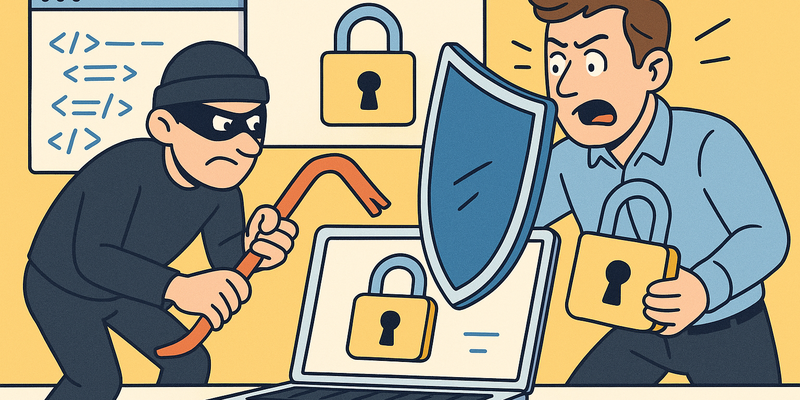
Web risk is rarely mysterious. It usually lies in predictable mistakes that persist under time pressure. With **SSTI Prevention**, the greatest gains come from...